 Free and Next Day Delivery*
 Up to 10 Year Warranty
 Installation Available
 Instant Credit - Apply
How to Lay Out Your Office Furniture
An effective office layout improves productivity, supports well-being, and encourages collaboration. With hybrid working now common, adaptable spaces that balance focus and interaction are essential in-office and from home.
It’s also important that those working from home have a working environment that is fit for purpose. With the right equipment, home offices can even have a beneficial impact on productivity and team morale.
A well-planned environment gives employees the freedom to work comfortably while meeting business needs – and smart furniture placement can make the difference between a workspace that hinders and one that helps your team succeed.
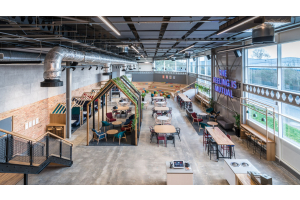
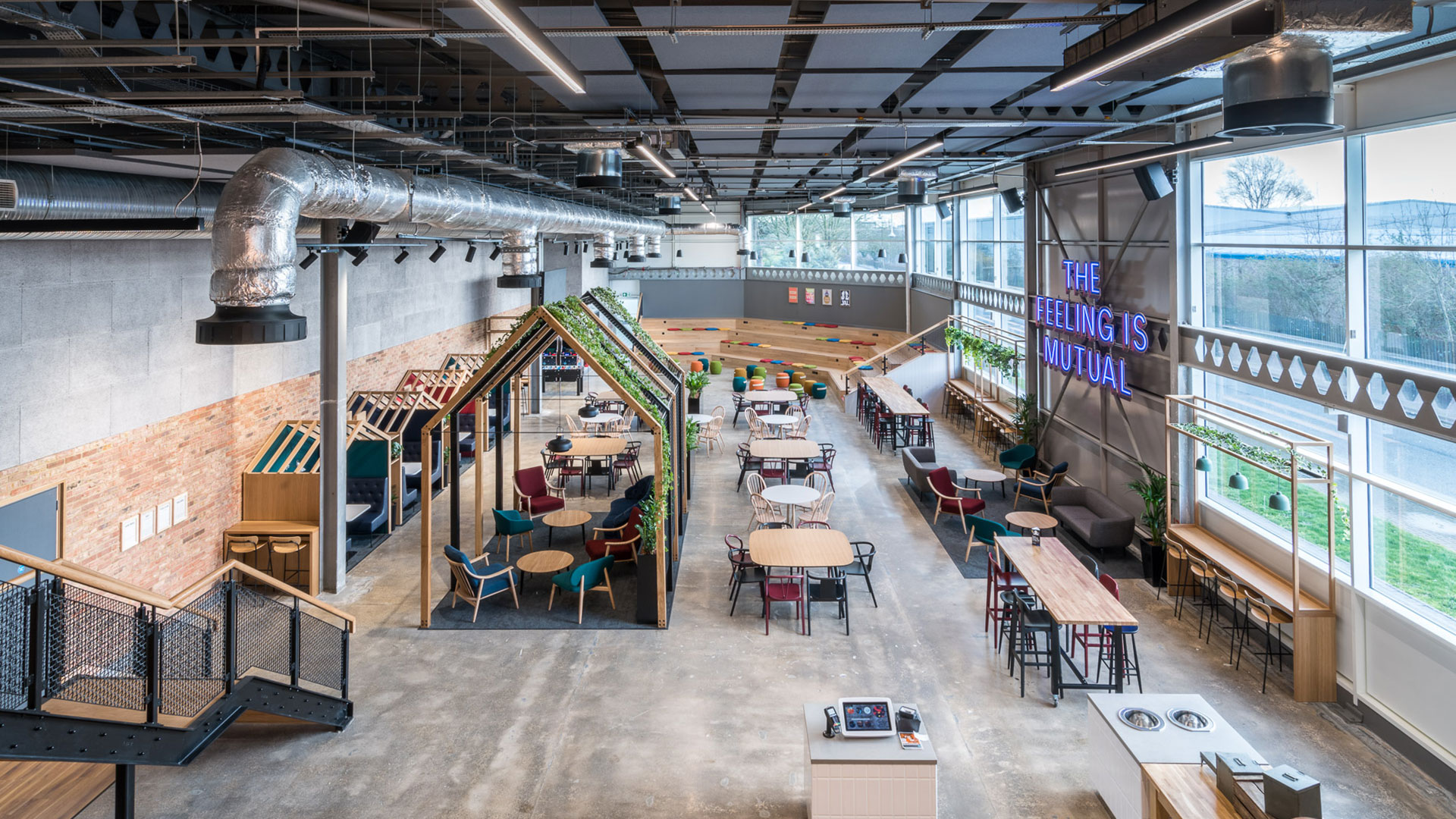
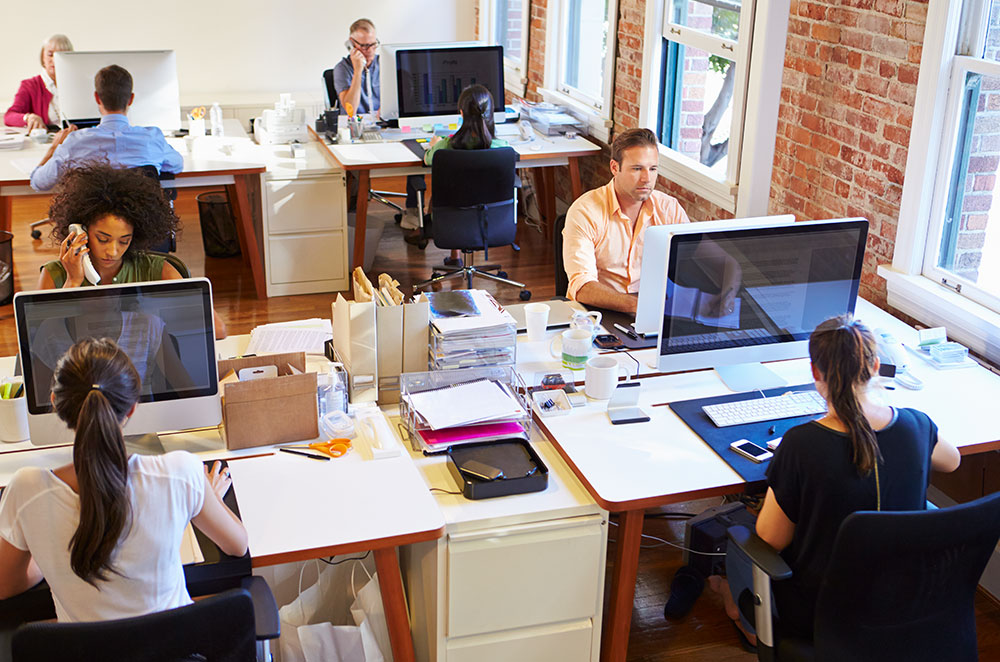
Photo: Nationwide, Ramsbury House - Wagstaff furniture installation
The Core Areas of an Office Layout
Workstations and Individual Desks
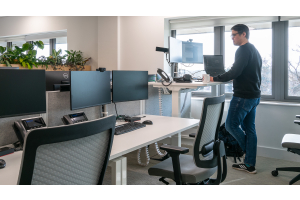
Workstations require careful consideration to support productivity and comfort. Ergonomic desks and chairs are essential. They offer adjustable features to suit different body types and working styles. Providing sit-stand desks allows employees to vary their posture throughout the day. This improves well-being and reduces fatigue for your staff whether they’re based in-office or remote.
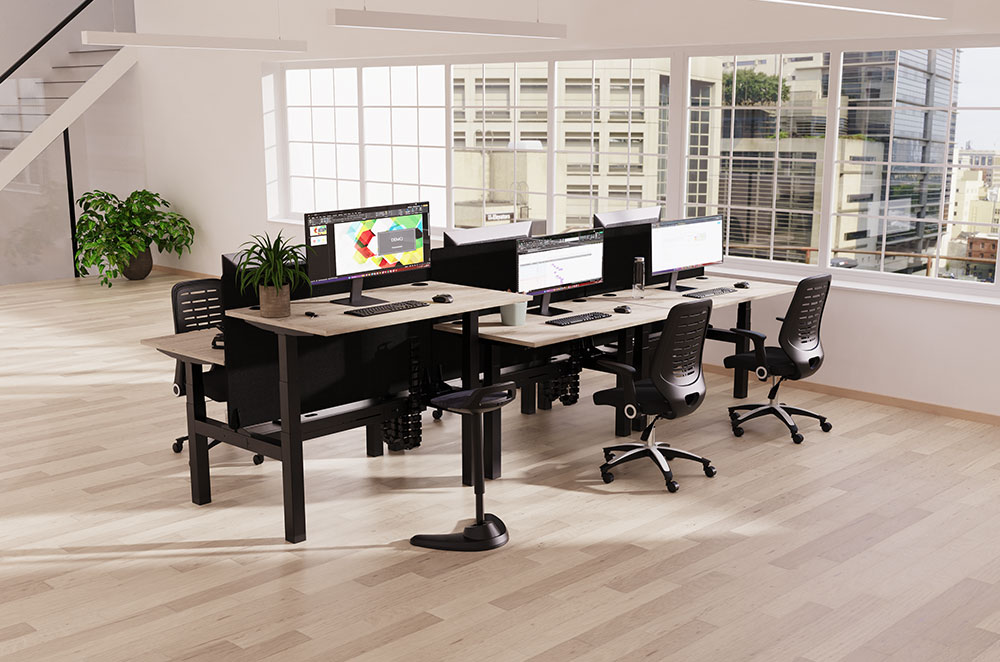
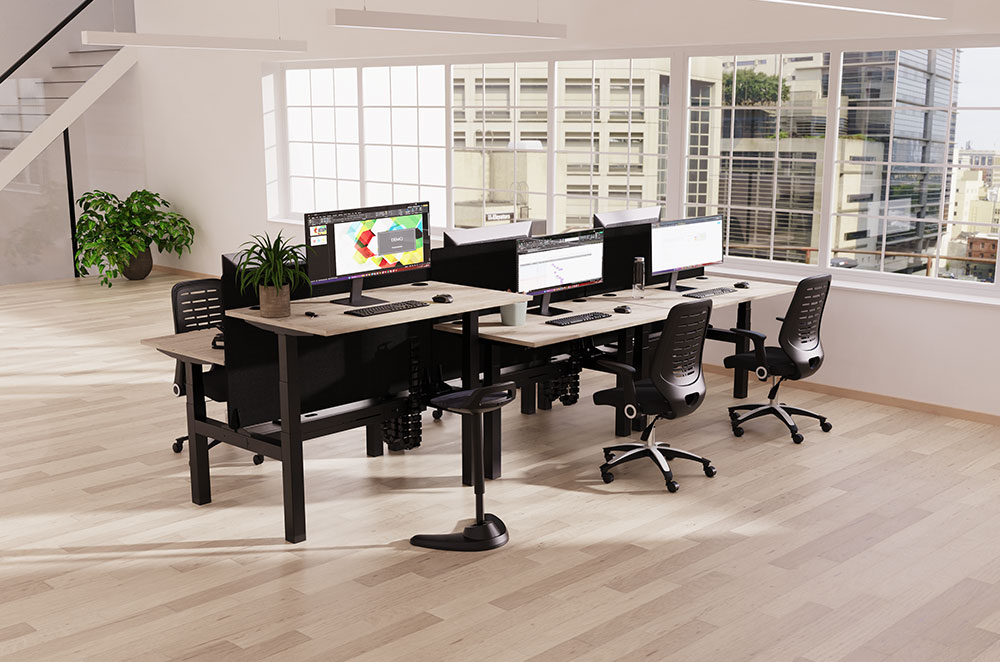
Hot desks work well for hybrid offices and by using clusters of adjustable desks you can create a working environment that promotes teamwork. Incorporating adjustable stands and desk screens provides privacy and noise dampening, without isolating employees. This combination strikes the right balance for a dynamic workspace.
Desks should be positioned to avoid overcrowding while still fostering a sense of connection. A general guideline is to allow at least 1.5 metres between workstations, ensuring ease of movement and compliance with safety standards
Collaborative and Meeting Spaces
Formal meeting rooms work best when they’re open uncluttered spaces, consider large tables with integrated cable management and comfortable seating. They also need to allow for communication with both remote workers and stakeholders. Ensure the space is equipped with essential AV technology, such as screens, cameras, and microphones. Wall-mounted equipment and concealed cabling help keep the space clean and functional.
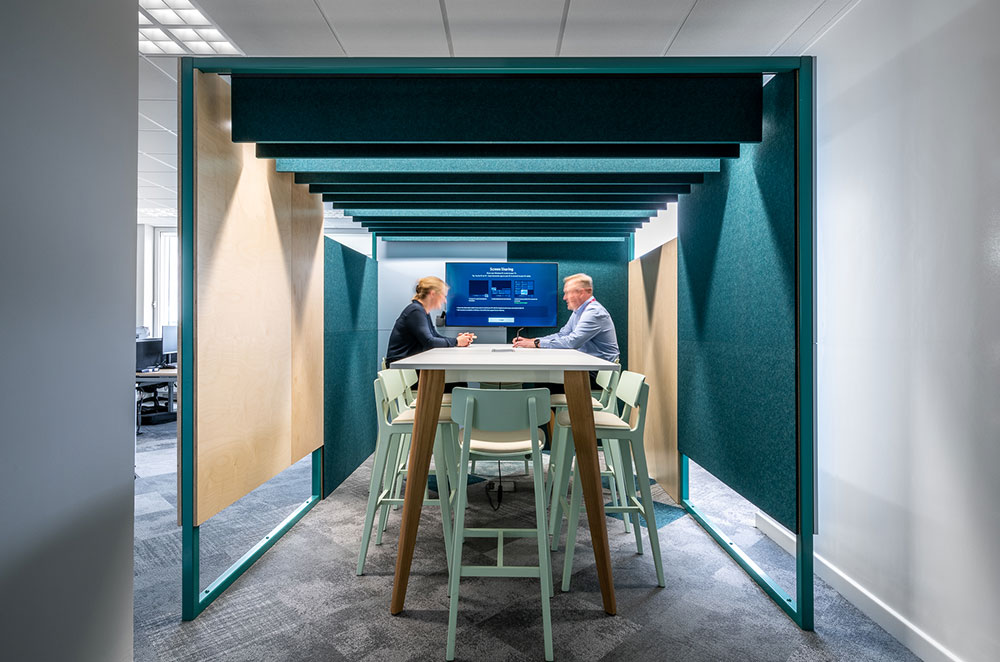
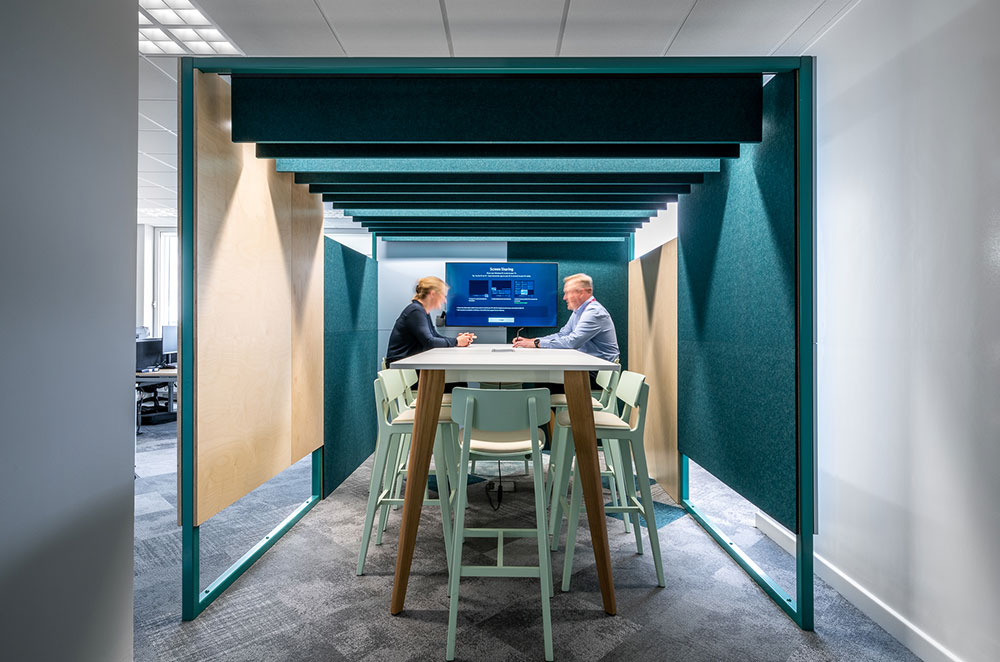
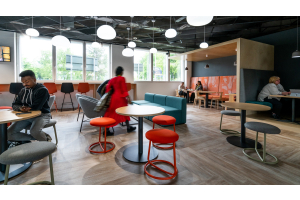
Casual collaboration spaces need to be more dynamic to fit the changing needs of the different groups who use them. They benefit from modular furniture like foldable tables, stackable chairs, and sofas that can be reconfigured as needed. Incorporating writable walls or digital whiteboards encourages creativity while keeping the space practical. Position these zones near workstations for easy access while maintaining distinct boundaries to minimise noise spillover.
Quiet and Focus Zones
Ad hoc one-on-one catch-ups and video calls are now commonplace, particularly within hybrid offices. Soundproof pods or enclosed booths are ideal for small groups and individual use. They provide acoustic privacy without taking up excessive space. For open-plan offices, consider designating quiet corners with high-backed chairs, acoustic panels, or bookshelves as barriers. These setups create visual and sound separation while maintaining an open feel.
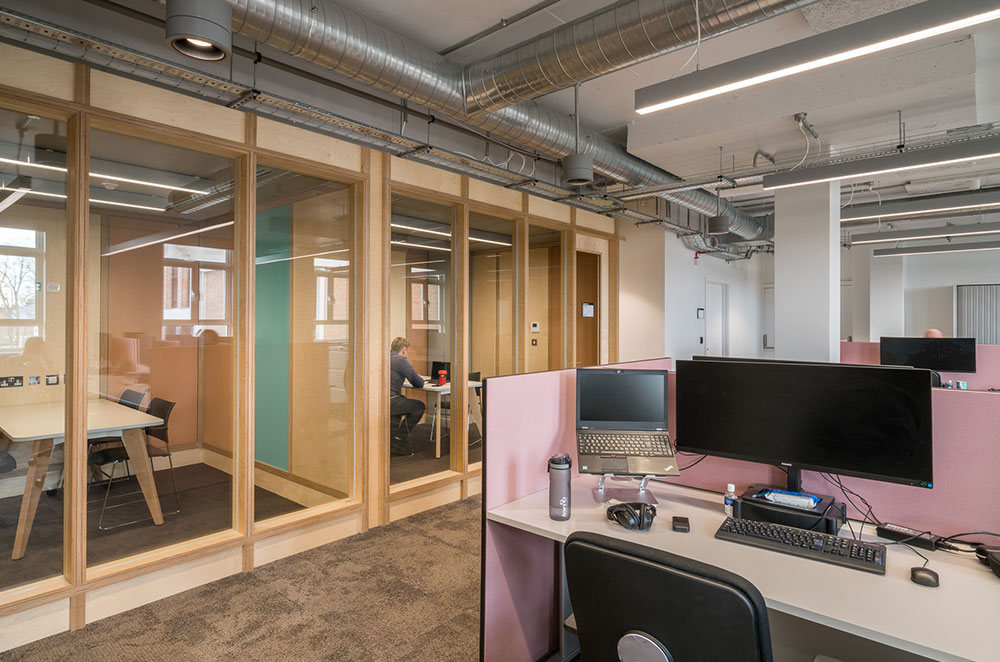
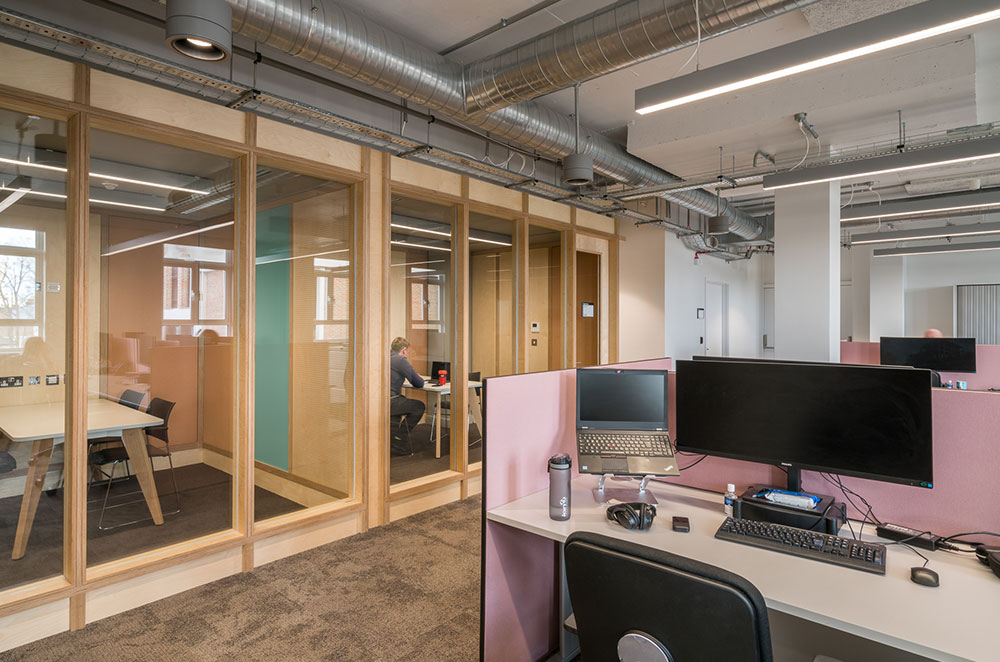
For camera-readiness and comfort, lighting in quiet zones should be soft and adjustable. Avoid the harshness of overhead fixtures. Position these areas away from high-traffic paths and collaborative zones to ensure they remain undisturbed. This is particularly important if confidentiality is a priority in your company.
Breakout and Relaxation Areas
Communal spaces, such as kitchens or casual meeting hubs, should encourage movement and interaction. Choose layouts that facilitate traffic flow, ensuring accessibility for all employees. Opt for multi-use furniture, such as stackable chairs or expandable tables.
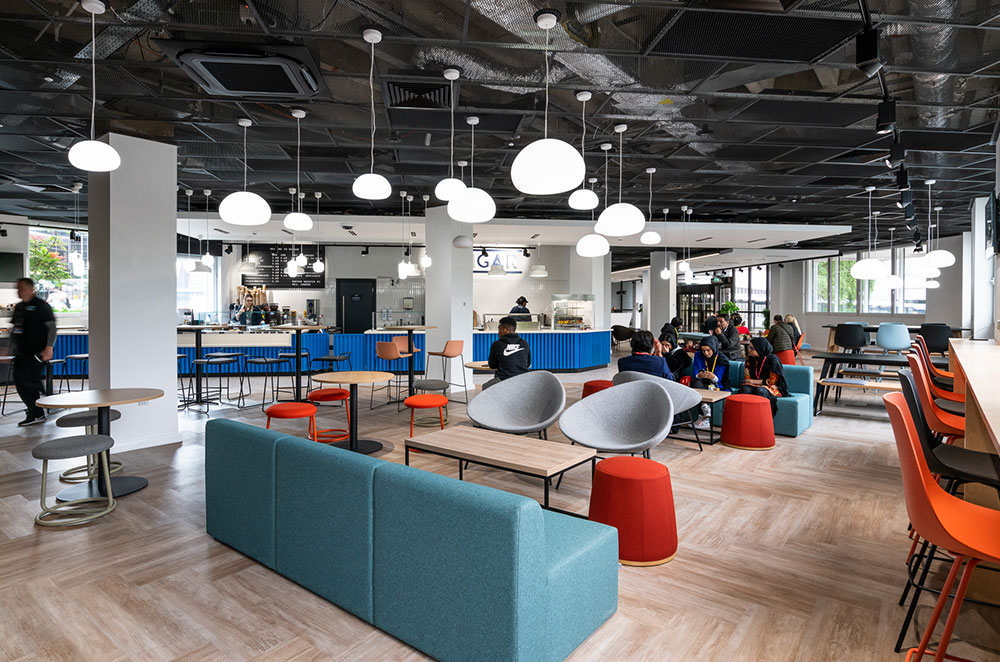
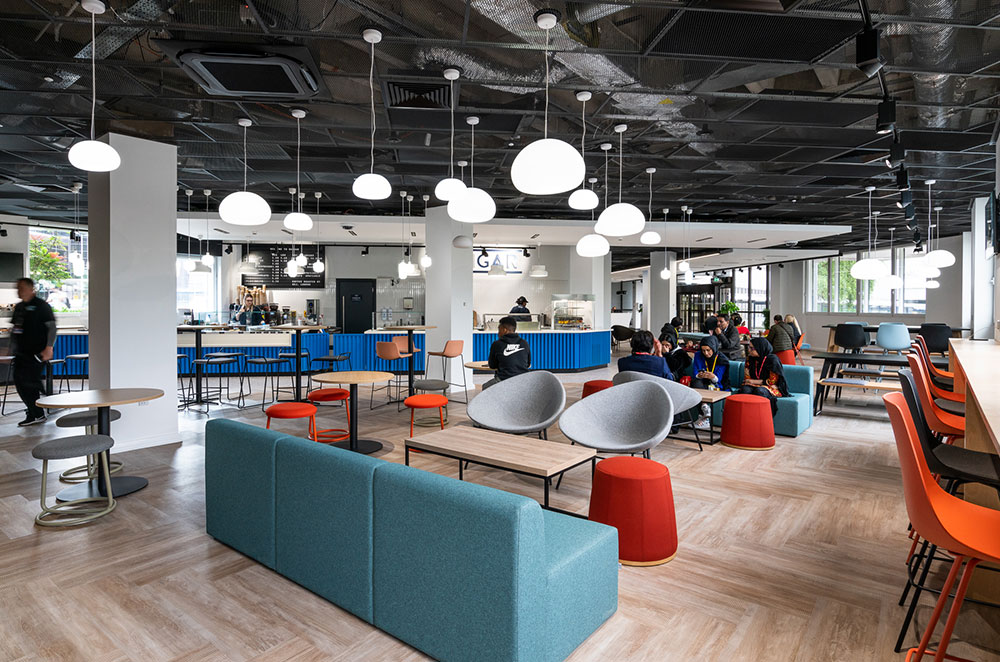
For more casual spaces, choose furniture that invites relaxation, such as bean bags, sofas, or lounge chairs. Coffee tables and sideboards can hold personal items or refreshments. Incorporate natural textures and colours to create a calming atmosphere.
Add plants and soft lighting – and, if space allows, include quiet nooks with soft furnishings for individuals seeking solitude during breaks.
Storage Solutions
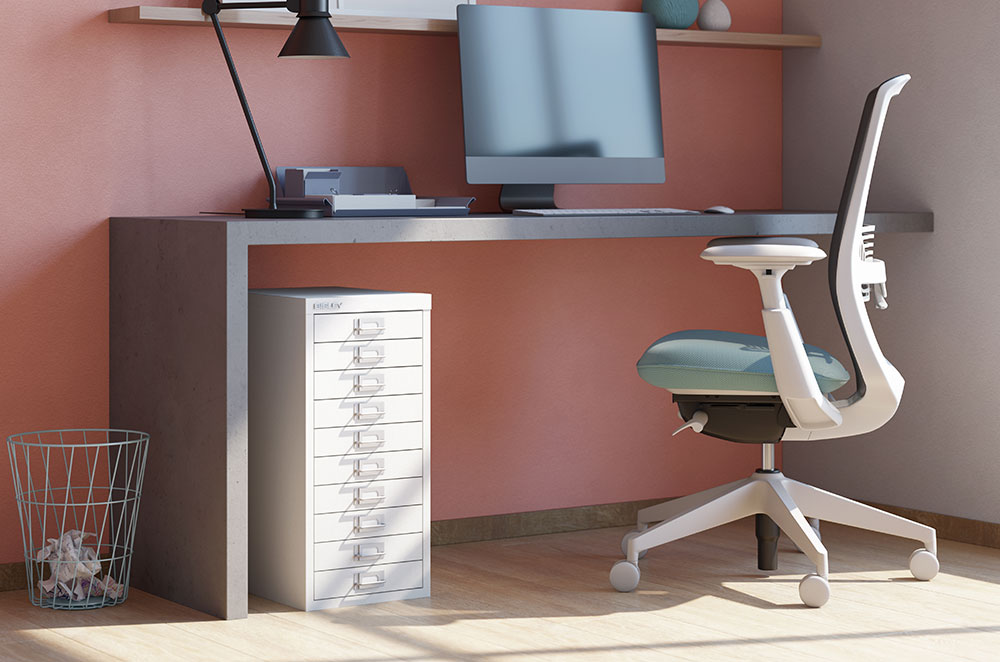
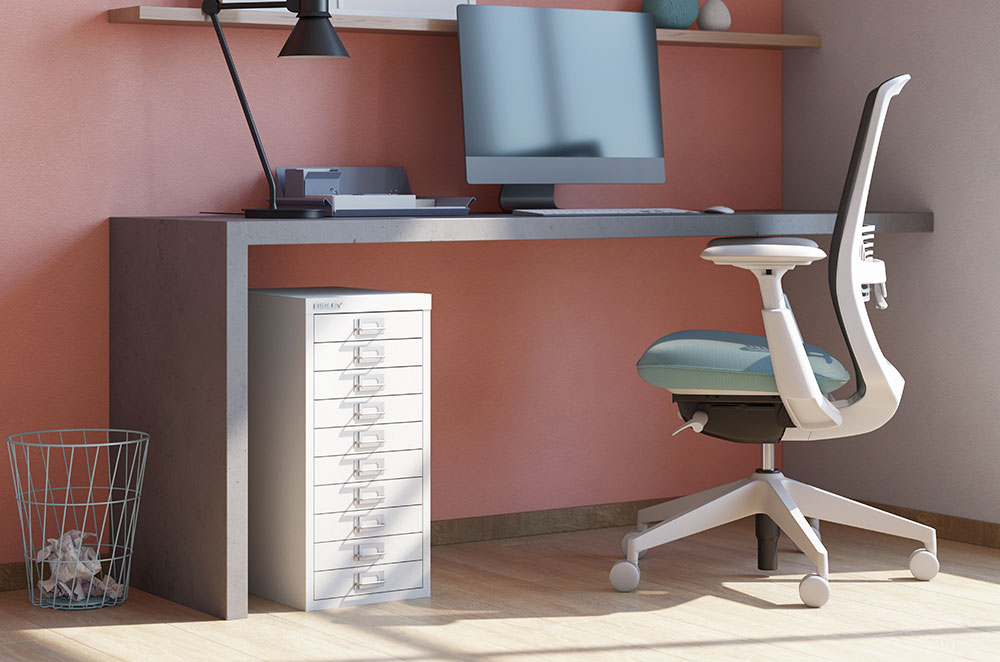
Lockers provide secure personal storage for employees, while mobile pedestals and shelving units support flexible work environments.
Integrated storage, such as built-in cabinets or under-desk drawers, helps maintain a clutter-free workspace. There’s a wide range of designs and colours to choose from for storage furniture to complement every office design and allow for easy access without disrupting flow. By reducing visible clutter, you create a more focused and professional atmosphere.
Reception Areas
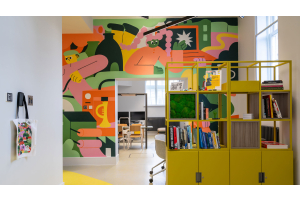
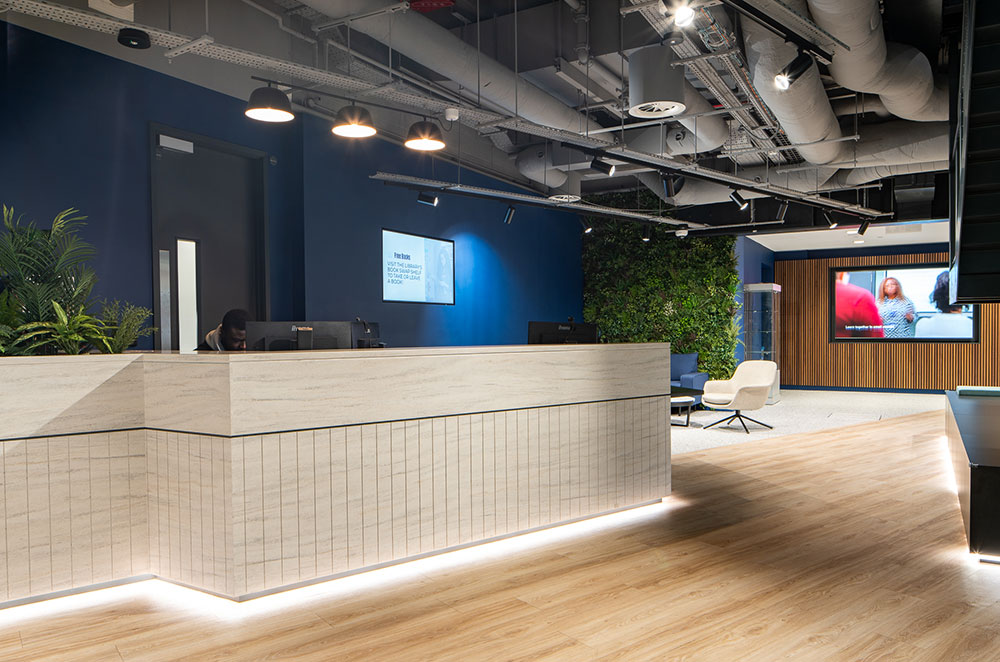
The reception area forms the first impression for visitors and sets the tone for the workplace. Prioritise stylish yet functional furniture, such as a modern reception desk paired with comfortable seating. Incorporate elements like digital signage or branded artwork to reflect your company’s identity

Prioritising Adaptability in Office Design
Flexible furniture solutions – such as moveable desks, modular seating, and furniture on wheels – enable businesses to extend the usability of their workspaces while empowering employees to work in ways that suit them best.
Teams can reconfigure their environment for collaboration and quickly restore the space to its original arrangement when needed. Modular furniture, such as interlocking seating and tables, allows offices to shift between formal meetings, casual chats, or larger gatherings with minimal effort.
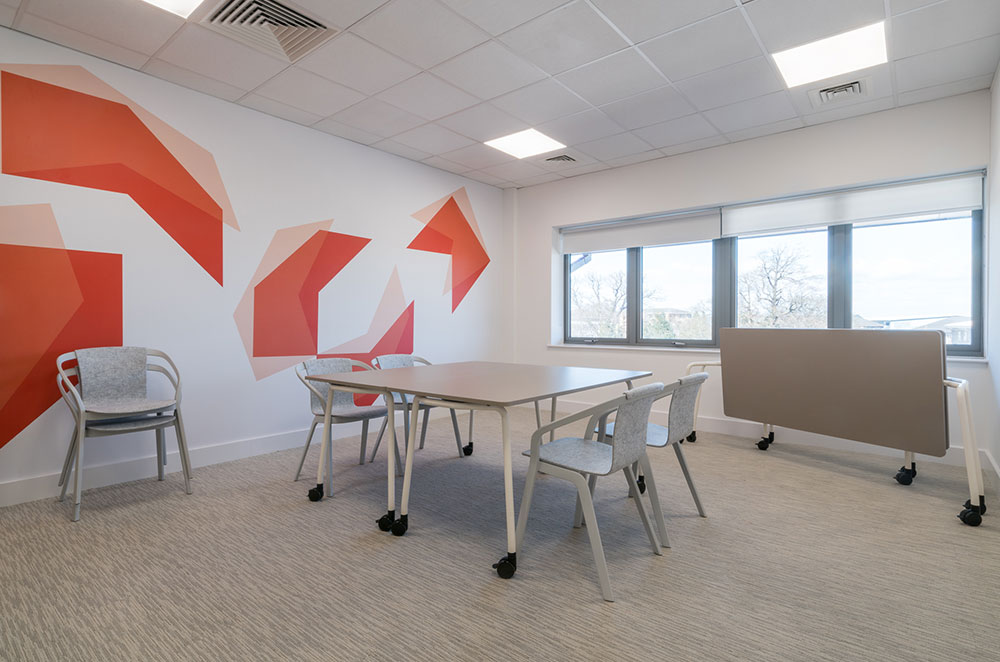
Furniture on wheels adds a practical layer of mobility. Employees can easily reposition chairs, desks, and storage units to meet immediate needs without relying on external support. This mobility is especially beneficial in coworking spaces or project hubs where workstations must adapt to various users and tasks throughout the day.
Most importantly, providing autonomy in workspace configuration encourages a sense of ownership. Adaptable layouts also future-proof offices, ensuring spaces can accommodate growth or organisational changes.
Five Common Office Layout Mistakes and How to Avoid Them
An ineffective office layout can disrupt productivity and create frustration for employees. Avoid these common mistakes to ensure your workspace remains efficient, comfortable, and supportive:
1. Overcrowding Workspaces
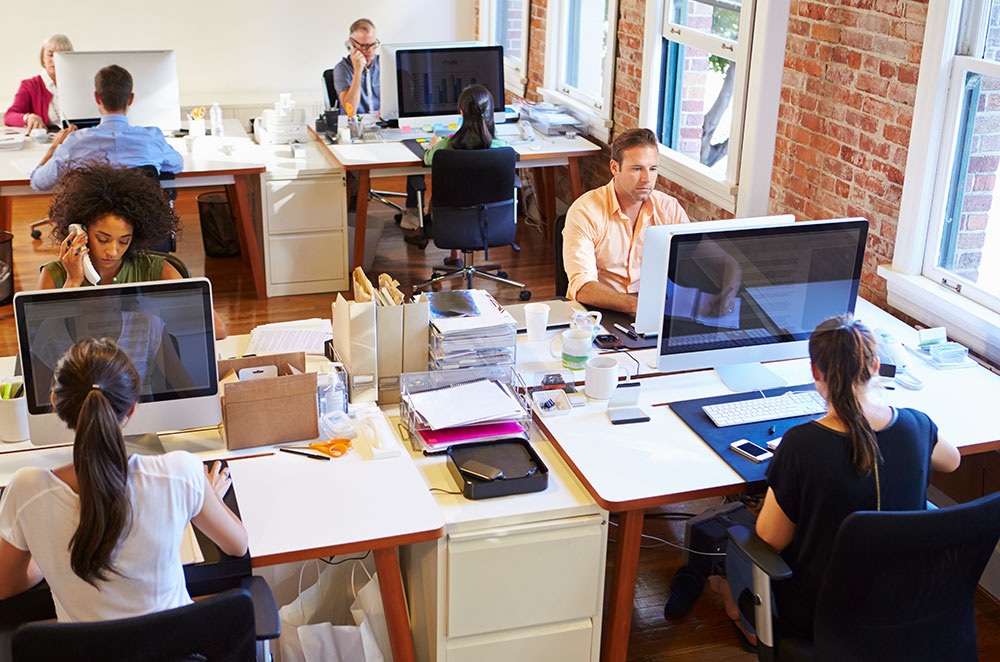
Cramped offices hinder movement and create a sense of claustrophobia, negatively impacting both morale and productivity. Overcrowding also makes it harder to maintain clear pathways, which can lead to safety concerns.
Plan for adequate spacing between desks and communal areas. Use flexible furniture to increase spatial efficiency, and adopt hybrid working strategies to reduce the number of employees onsite at any given time.
2. Neglecting Wayfinding
Disorganised layouts can confuse employees and visitors, wasting time and causing frustration. Poorly planned flow can also disrupt work, particularly in open-plan offices where frequent movement creates distractions.
Designate clear pathways and ensure key areas, such as meeting rooms and breakout zones, are easily accessible. Incorporate visual cues like colour-coded zones or signage to simplify navigation. You can also arrange furniture to direct natural movement and avoid obstructing walkways.
3. Lack of Privacy Zones
Open-plan offices often prioritise collaboration at the expense of privacy. This can obstruct confidential meetings or open discussion in one-on-ones.
Well-planned privacy zones also allow for focus work when needed. They give staff a place to concentrate and be productive.
Include dedicated quiet zones or soundproof pods for individual work.
4. Accounting for Remote Workers
Providing adequate ways to communicate with your remote workers is key to an efficient flexible working environment. To keep your team working at a team, there need to be a robust plan for video conferencing. This includes large groups speaking to multiple people, smaller groups on both sides, and individuals to individuals.
5. Forgetting About Home Offices
An adequate home office set-up creates a more constructive working environment. It’s also an extension of the office. It falls under the employer’s responsibility to provide sufficient resources to remote workers. You can check the DSE Workstation Checklist to ensure you’re meeting all these standards.
Small Office Layout Ideas
Designing a functional small office requires careful planning to make the most of the available space. Here are some tips to create an efficient and inviting small office layout:
- Prioritise Space Efficiency: In a compact office, every square metre counts. Opt for furniture that serves multiple purposes, such as desks with built-in storage or seating that doubles as storage space.
- Utilise Vertical Storage: When floor space is limited, look upwards. Use tall shelving units, wall-mounted cabinets, or pegboards to keep items organised and off the desk.
- Compact Ergonomic Solutions: Ergonomics is just as important in small offices as in larger spaces. Choose desks and chairs that fit the room while supporting healthy posture and movement.
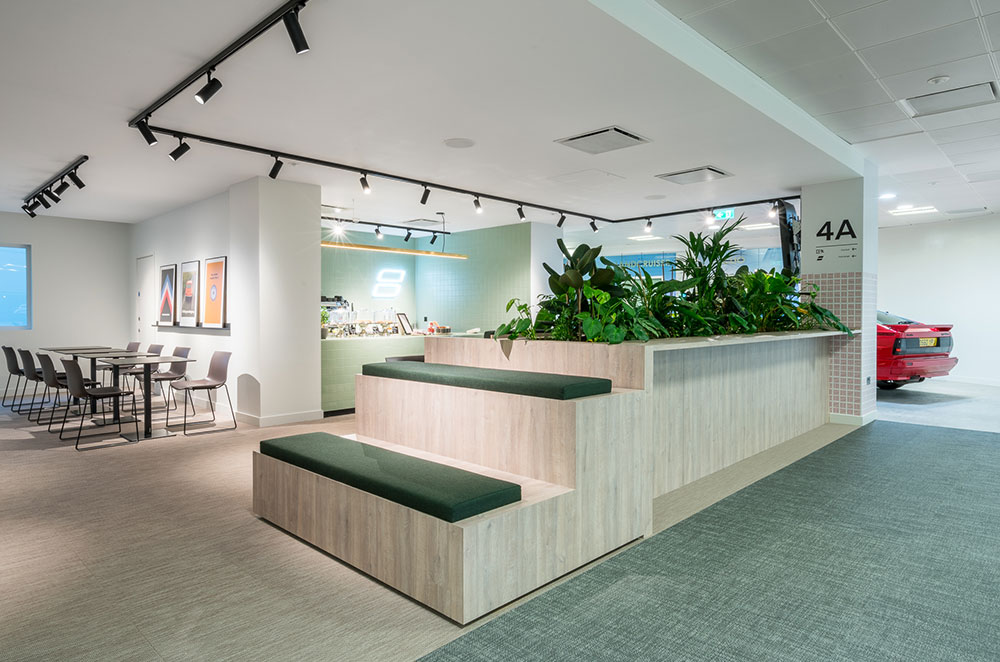
- Create a Sense of Openness: Avoid overloading the space with bulky furniture. Choose pieces with clean lines and open designs that create the illusion of a larger room such as Mesh Task Chairs. Position desks near windows to make the most of natural light and give the space an airy feel.
By focusing on smart furniture choices and efficient use of space, you can create a small office that feels spacious, organised, and conducive to productivity, no matter its size.
Home Office Layout Ideas
With the right layout and furniture, you can turn even a small space into a productive and inviting work environment. Here’s how to set up your home office for success:
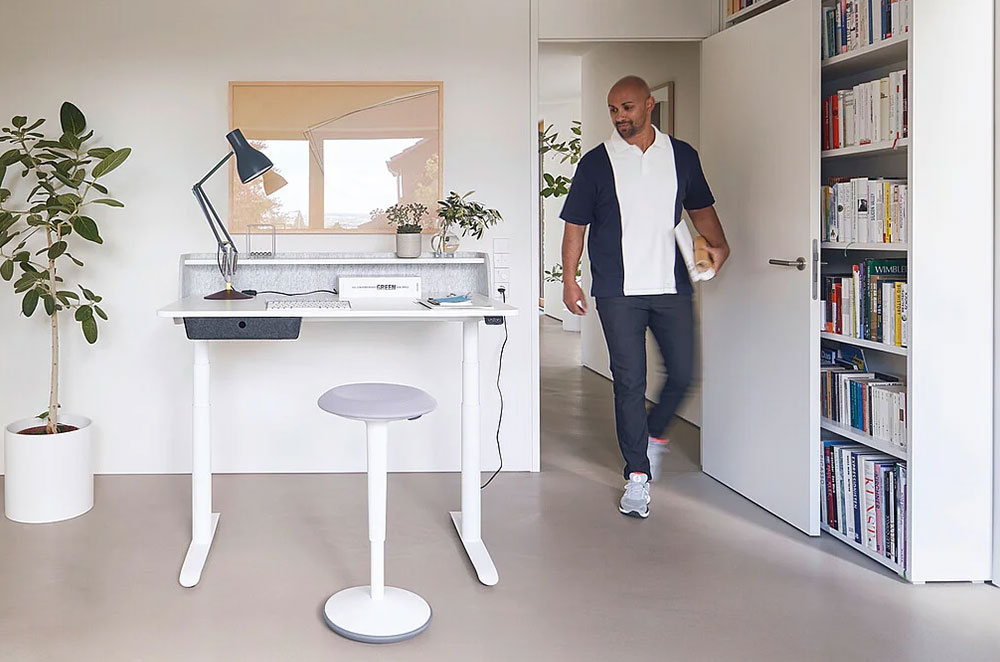
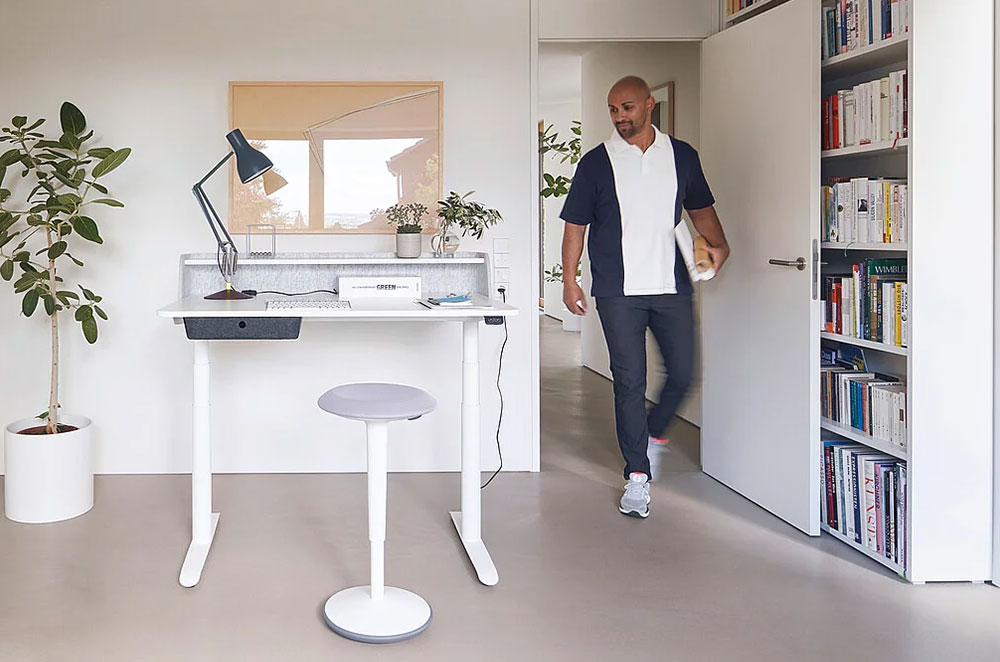
- Biophilic Touches: Introduce plants to improve air quality and create a calming ambience. Even small additions, like succulents or hanging planters, can make a difference.
- Adjustable Lighting: Use a combination of natural light and task lighting to reduce eye strain. Adjustable desk lamps with dimming features let you customise the brightness for different times of the day.
- Noise Reduction: Minimise distractions with sound-absorbing elements, such as rugs, curtains, or acoustic panels. Position your workspace away from noisy areas of the home whenever possible.
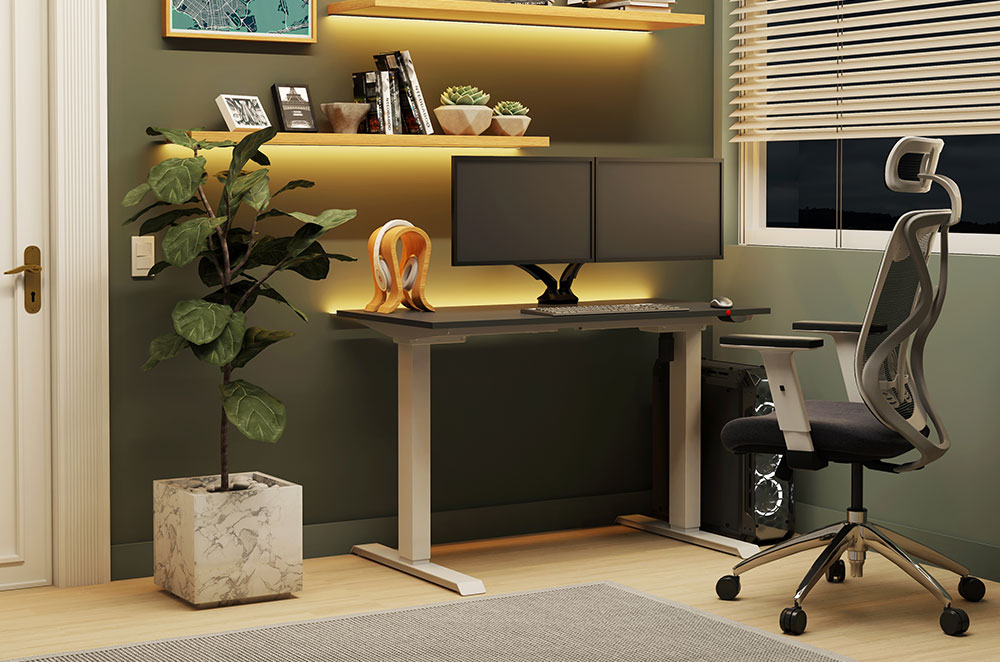
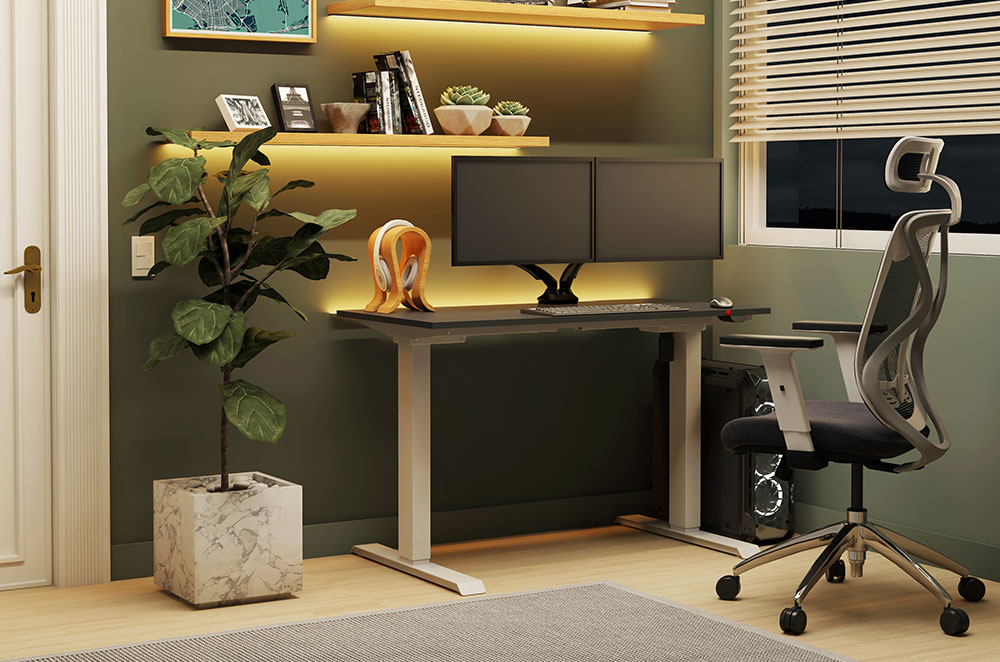
- Ergonomic Furniture: Desk work still has the same effects wherever you’re based. Prioritise ergonomic design to maintain your health and well-being when working from your home office.
By focusing on creating a designated working space that’s welcoming and comfortable, you can create a home office that feels focused, positive, and fit-for-purpose.
Five Must-Haves for Your Workspace
1. OKOFORM Heated Desk
The OKOFORM Heated Desk offers a unique solution for staying warm in a workspace without turning up the heating. Using infrared radiant heat technology, it warms objects and people directly, avoiding the inefficiency of traditional heating systems.
Its energy-efficient operation consumes just 260 watts compared to typical fan heaters, and its odourless and noiseless performance makes for a distraction-free office. The OKOFORM desk is particularly ideal for colder months or for use in shared spaces where people work at different optimal temperatures. → Order Now
2. Bisley Mobile Caddy Pedestal
The Mobile Caddy Pedestal from Bisley is a multifunctional storage solution designed to optimise your workspace. With secure drawers for personal items and a durable surface for collaborative use, it’s both practical and versatile.
This caddy ensures that your workspace stays organised while offering flexibility for dynamic office environments. → Order Now
3. Sit-Stand Desk Converter
The Sit-Stand Desk Converter is a simple, affordable way to upgrade any desk into a sit-stand workstation. Its gas lift system allows users to switch between sitting and standing positions effortlessly, promoting better posture and energy levels.
This converter is perfect for those who want the health benefits of a sit-stand desk without replacing their current setup, making it an excellent addition to home offices or shared workspaces. → Order Now
4. All-Mesh Ergonomic Task Chair
For maximum support and durability, the All-Mesh Ergonomic Task Chair is a top choice. Its breathable mesh design, high-quality materials, and ten-year warranty ensure lasting comfort.
This chair is ideal for extended work sessions, with its fully adjustable seat height, backrest angle, and armrests that support proper posture during your working day. Whether in a home office or traditional setting, it’s a reliable investment in long-term comfort. → Order Now
5. The Modern Home Working Package
Establish a smart and comfortable workspace at home with ease. This eco-friendly package features the Sedus se:do PRO Chair and the Sedus Secretair Home Desk.
The chair’s height-adjustable backrest and ‘Similar’ mechanism provide optimal posture support, while the desk offers an integrated shelf for essential items, helping you stay organised without taking up extra space. → Order Now
Lay Out Your Office Furniture With Confidence
By incorporating adaptable furniture, defined zones, and restorative spaces, you can create a workspace layout that works for everyone. Wagstaff offers office furniturethat has been specifically chosen to fit these needs.